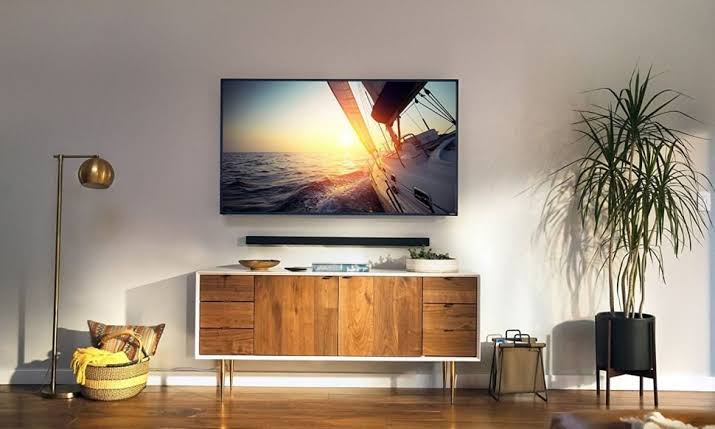
Fixed (flush)
Low profileScreens at eye level with one clear viewing seat.
Strengths
- Sits closest to the wall
- Fewest moving parts
- Lowest cost and easiest to fit
Trade-offs
- No angle adjustment after mounting
- Rear ports can be hard to reach
The bracket you choose is a trade between how slim it sits and how much it moves. Here's how the three families differ.
Screens at eye level with one clear viewing seat.
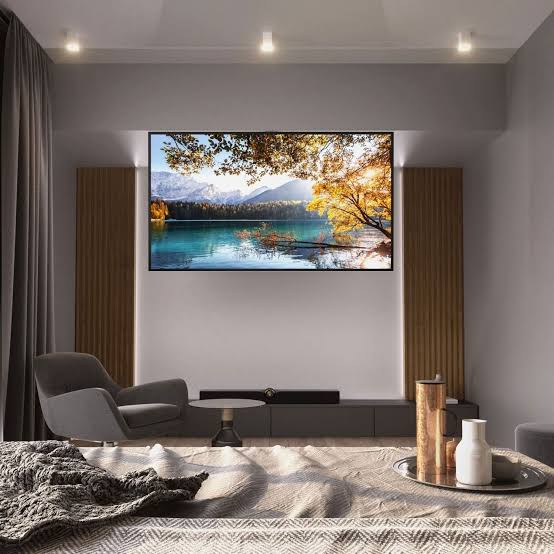
A TV mounted higher than eye level — above a fireplace, for example.
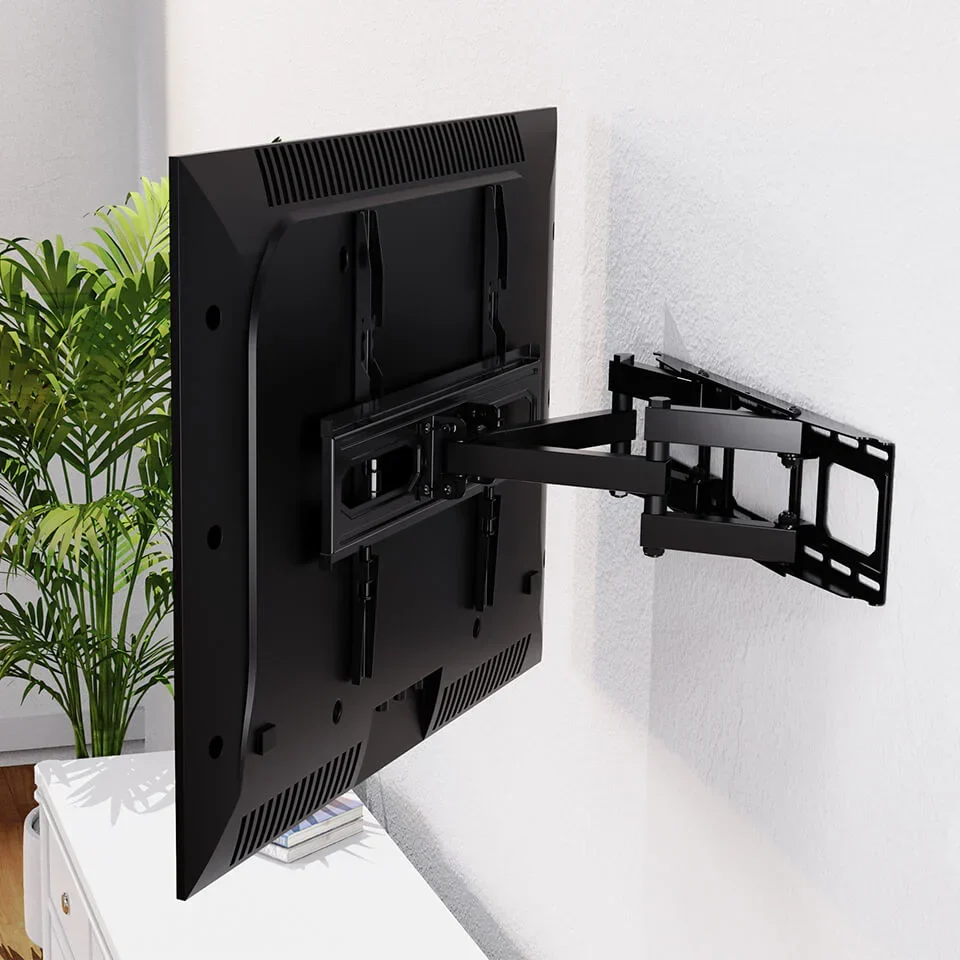
Open-plan rooms, corners, or kitchens watched from several spots.
At a glance
| Consideration | Fixed | Tilting | Full-motion |
|---|---|---|---|
| Distance from wall | Minimal | Slim | Extends out |
| Vertical tilt | No | Yes | Yes |
| Swivel left / right | No | No | Yes |
| Access to rear ports | Awkward | Easier | Easy |
| Relative cost | Lowest | Moderate | Highest |
| Fixing demand | Standard | Standard | Needs solid anchoring |
| Best for | Single-seat rooms | High or fireplace mounts | Open-plan & corners |
Next step
The mount path walks you through the wall, the height and the cables once you know which bracket you're fitting.